
Download PassportPhoto – passport photo, ID photo, photo editor, digital photo, official photo, photo tool, photo utility, passport tool, photo requirements, photo size
Overview
PassportPhoto is a mobile application designed to simplify the process of creating digital images that meet official identification standards. Whether users are preparing for travel documents, government IDs, or driver’s licenses, this tool streamlines the creation of compliant photos. The app enables individuals to convert standard photographs into formats suitable for official use, eliminating the need for specialized services or complex software. By focusing on accuracy and ease of use, PassportPhoto addresses a common pain point: the difficulty of meeting strict photo requirements without professional assistance.
Target users include travelers, immigrants, job seekers, and anyone needing to submit official documentation requiring precise photo specifications. The app’s flexibility allows users to generate files for printing at professional shops or home printers, supporting both convenience and cost-efficiency. While the developer, PassportPhoto, did not provide additional background information, the app’s long-standing presence since its release on February 23, 2010, suggests a stable and reliable service. Real-world use cases include preparing for visa applications, renewing passports, or updating national ID cards—all tasks that require strict adherence to size, background, and facial positioning rules.
Within the mobile app ecosystem, PassportPhoto occupies a niche as a utility-focused tool that bridges the gap between casual photography and formal documentation. Its continued availability on Android underscores its relevance, particularly for users seeking a lightweight, free solution to a persistent problem.
Key Features & Functionality
- Easy Photo Conversion: The app allows users to transform any standard photo into a passport- or ID-compliant image with minimal effort. This feature is ideal for individuals who want to avoid professional photo sessions by using existing images.
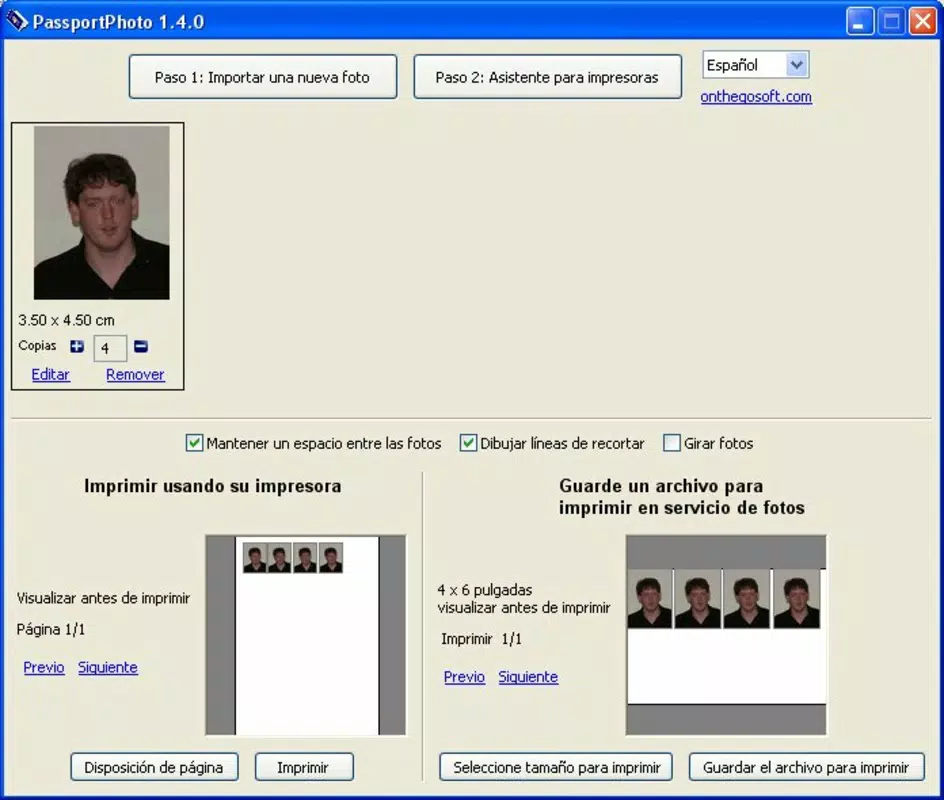
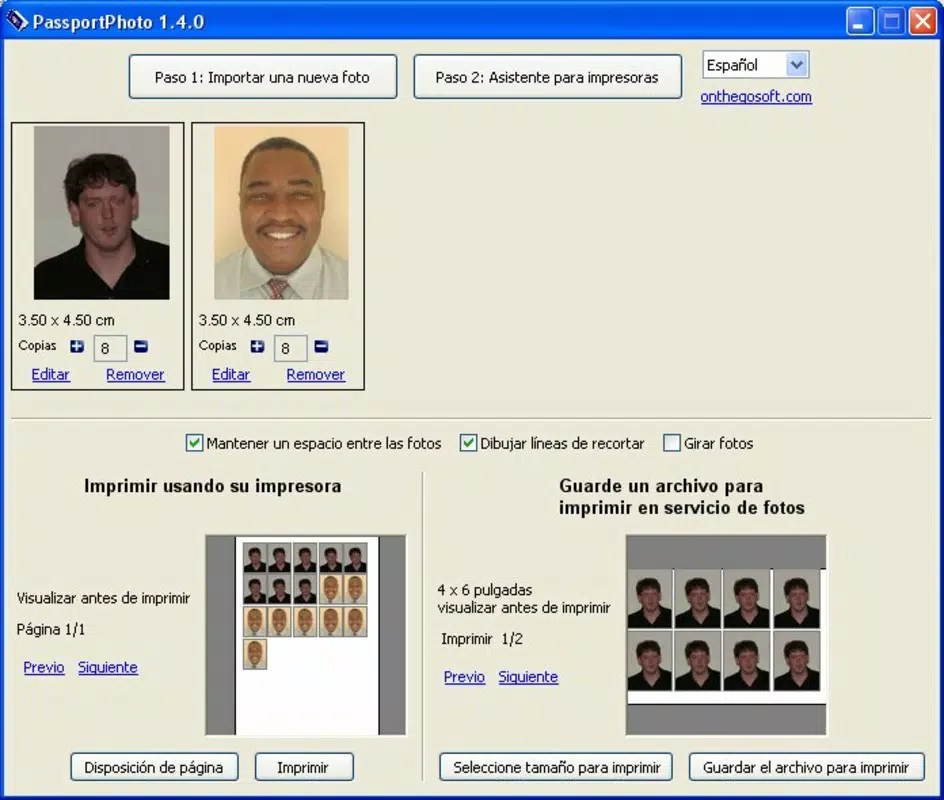
- Multiple Output Options: Users can generate JPEG files optimized for both professional printing services and home printers, offering flexibility based on personal preference and access to equipment.
- Personalized Photo Selection: The tool supports the selection of preferred images from the device’s gallery, enabling users to choose the most flattering or appropriate photo for official use.
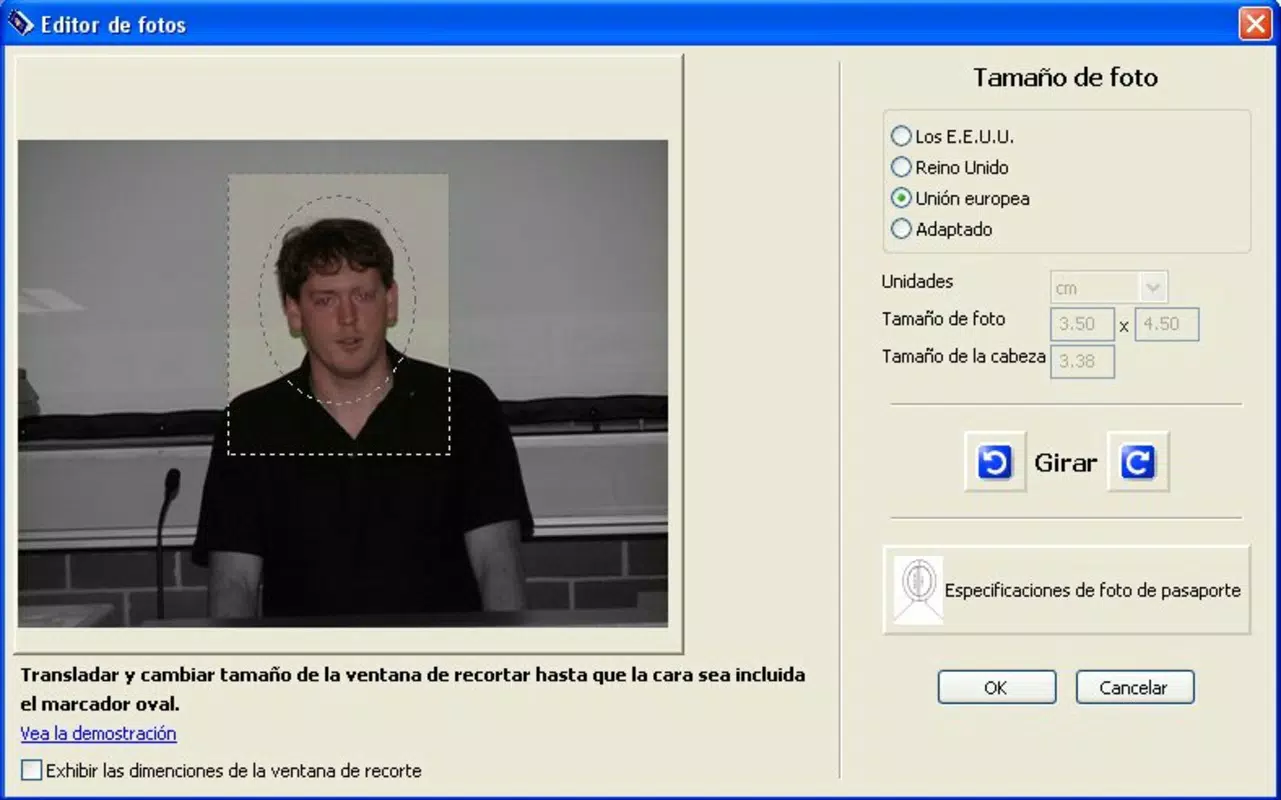
- Streamlined Editing Tools: Essential editing functions such as resizing, background adjustment, and facial alignment help ensure compliance with official photo requirements, including uniform lighting and neutral backgrounds.
- Convenience at Your Fingertips: With a simple interface, users can create, edit, and export high-quality official photos in just a few taps, making the process accessible to non-technical users.
For example, a traveler preparing for a visa interview can select a recent selfie, adjust it using the app’s tools, and export a compliant image for printing. Similarly, someone renewing their driver’s license can use a photo from their phone’s gallery and quickly generate a document-ready file without visiting a photo booth.
Interface, UX & Performance
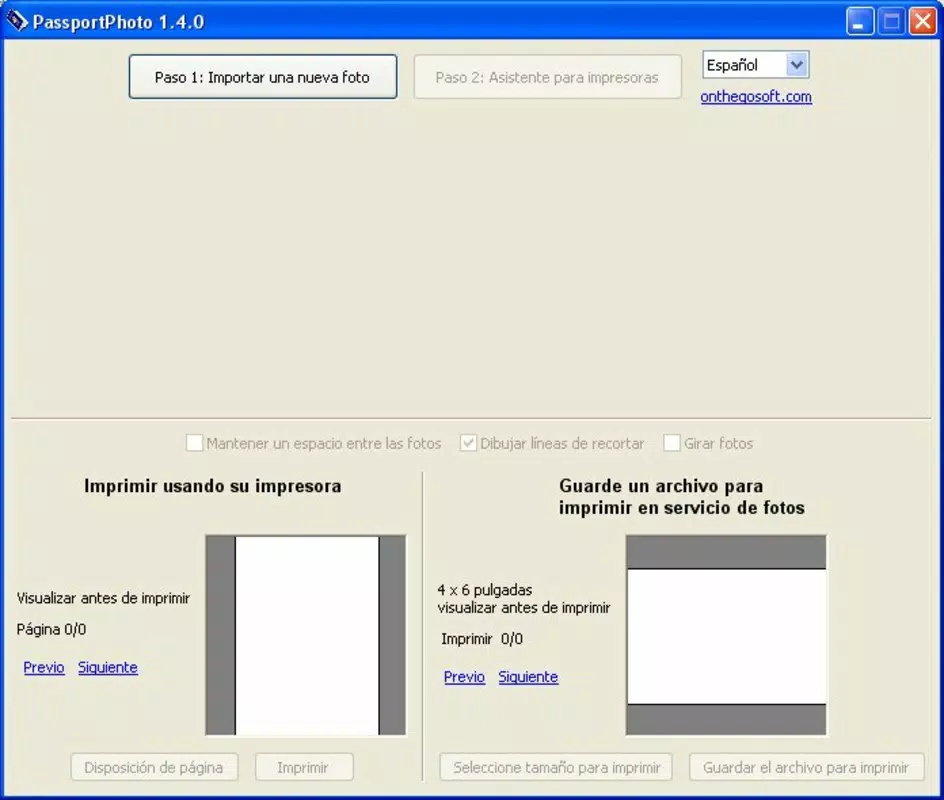
PassportPhoto features a clean, intuitive interface that prioritizes functionality over visual flair. The layout is organized around core tasks—uploading a photo, editing, and exporting—ensuring a logical flow for first-time users. Navigation is straightforward, with clearly labeled buttons and minimal on-screen clutter, reducing the learning curve.
Visual style is utilitarian, focusing on usability rather than aesthetic enhancements. The app’s design remains consistent across different screen sizes, supporting a range of Android devices. Although the developer did not list formal performance metrics, the app’s file size of 4.4M suggests a lightweight footprint, which typically correlates with fast loading times and efficient memory usage.
Responsiveness is generally smooth during basic operations such as image selection and export. Stability appears reliable, given the app’s long availability on the platform. However, specific performance data across device categories, such as older models or high-end flagships, was not disclosed. Users can expect consistent behavior under normal usage conditions, but detailed benchmarks or optimization details were not provided.
Platform Compatibility & Technical Requirements
PassportPhoto is available exclusively on the Android platform. The current version is 1.0.3, with a file size of 4.4M, indicating a compact and lightweight application. This small footprint enhances accessibility, particularly for users with limited storage or older devices.
The developer did not specify minimum OS requirements or compatibility details beyond the platform. As such, it is uncertain whether the app supports all Android versions or only recent ones. Users should verify compatibility with their device’s operating system before installation. No additional hardware requirements were listed, suggesting the app functions using standard smartphone capabilities such as the camera and gallery access.
Pros and Cons
Pros
- Free to download and use with no in-app purchases or hidden fees.
- Lightweight design at only 4.4M, suitable for devices with limited storage.
- Simple, user-friendly interface ideal for non-technical users.
- Supports both professional and home printing via JPEG output.
- Long-standing availability since 2010, indicating stability and reliability.
Cons
- No information provided on minimum OS version or device compatibility.
- Limited visual feedback or customization options in the editing tools.
- No cloud backup or synchronization features for saved images.
- No mention of real-time preview during editing or advanced retouching tools.
- Only available on Android, with no iOS or other platform support disclosed.
FAQ
Is PassportPhoto safe to download and use?
Yes, the app is free and available through official Android channels. It does not require excessive permissions, and its lightweight nature reduces security risks.
Can I use PassportPhoto on older Android devices?
The developer did not specify minimum OS requirements. However, the small file size suggests it may run on older devices, though compatibility is not guaranteed.
Does PassportPhoto support iOS devices?
Currently, the app is only available on Android. No iOS version has been released or announced.
How do I update PassportPhoto?
Updates are automatically available through the Google Play Store when a new version is released. Users should ensure their device is connected to the internet and their Play Store app is up to date.
Can I edit photos from my camera roll?
Yes, the app allows users to select images from their device’s gallery to convert into official photo formats.
Final Thoughts
PassportPhoto delivers a focused, practical solution for individuals needing to create official photos without the hassle of professional services. Its core functionality—converting standard images into compliant formats—remains effective and accessible, especially for users seeking a free, no-frills tool. While the interface is basic and lacks advanced features, it prioritizes simplicity and reliability, making it ideal for first-time users or those with minimal technical experience.
For travelers, job applicants, and anyone managing official documentation, the app offers a convenient way to meet strict photo requirements. The absence of ads, in-app purchases, and a low file size further enhance its value proposition. Despite missing details on compatibility and advanced tools, the app continues to serve its purpose well in the digital utility space.
Download PassportPhoto now


